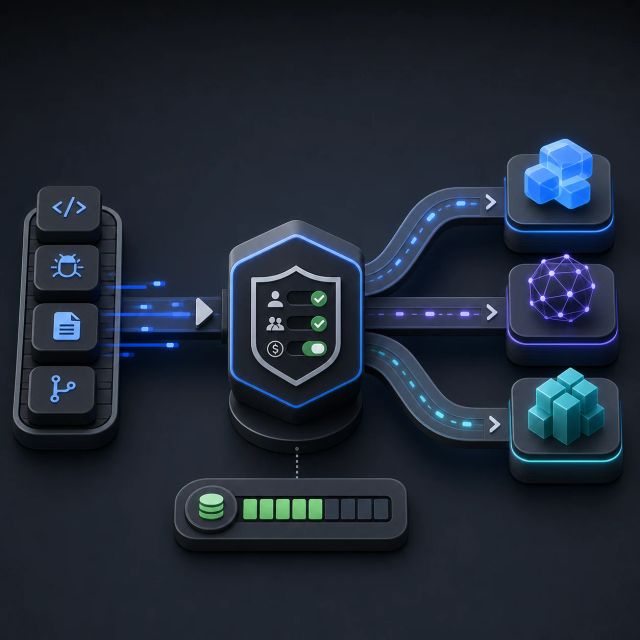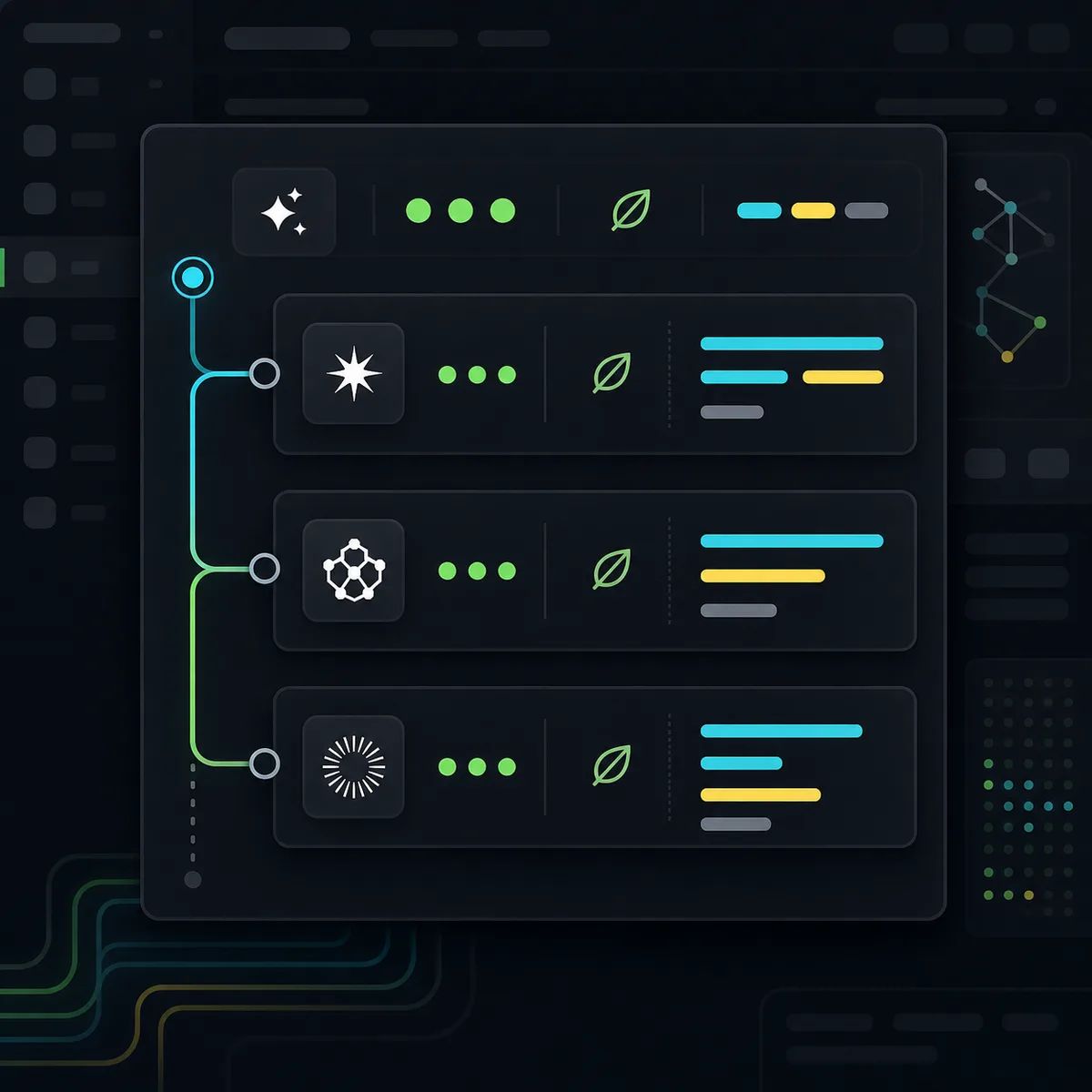
GitHub Copilot’s Auto mode is getting more explainable after a completed request.
GitHub’s August 7 weekly Copilot release says Auto now shows which model handled each completed request, plus AI credit and cache details when those details are available. The same release adds workflow controls across the Copilot app, Copilot CLI, and VS Code.
In the Copilot CLI, GitHub added a Sessions sidebar for managing concurrent sessions, an experimental /worktree command for starting a separate conversation in an isolated worktree, /rewind without Git for restoring Copilot-made changes while preserving later edits, and live tool-call durations in the timeline.
In VS Code 1.132, GitHub says the integrated browser now supports element-level feedback, side questions through /btw, multilingual on-device dictation, and hybrid Markdown diff review.
Auto model choice now needs an audit trail
Auto model selection is useful because developers do not always want to choose a model for every turn. It is also awkward in organizations that need to explain cost, quality, data handling, or vendor exposure after the fact.
Showing the model behind a completed request narrows that gap. If an agentic coding session used a more expensive model, reused cached context, or chose a model with different strengths, the team has a starting point for debugging the outcome and the bill.
GitHub’s pricing docs say Copilot interactions consume input, output, and cached tokens, and that token pricing is converted into AI credits. That makes cache visibility especially important. Cache behavior can change the cost profile of long sessions, repeated codebase context, and side questions.
Session tools are becoming cost tools
The CLI changes look like workflow ergonomics, but they also affect spend discipline.
Concurrent sessions, isolated worktrees, rewind, and tool-call timings all help users control agent loops. A worktree can isolate an experiment. Rewind can back out a bad path without resetting unrelated human edits. Tool-call durations show where the agent is spending time outside the model. Session management makes it easier to stop or switch work before it drifts.