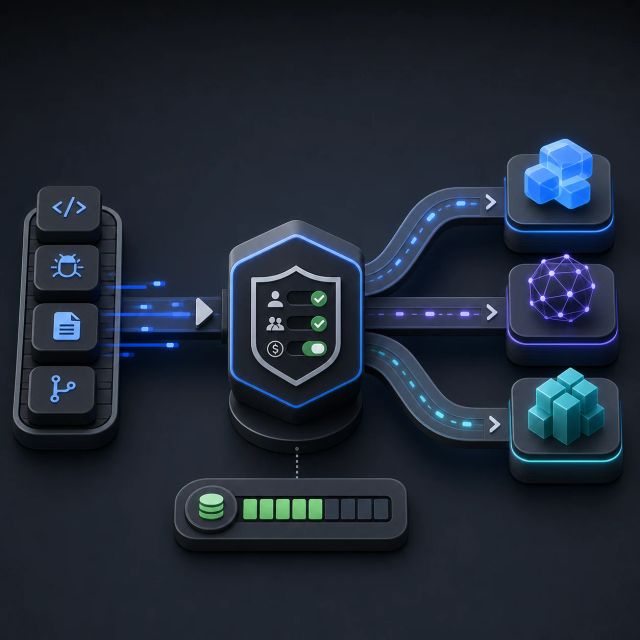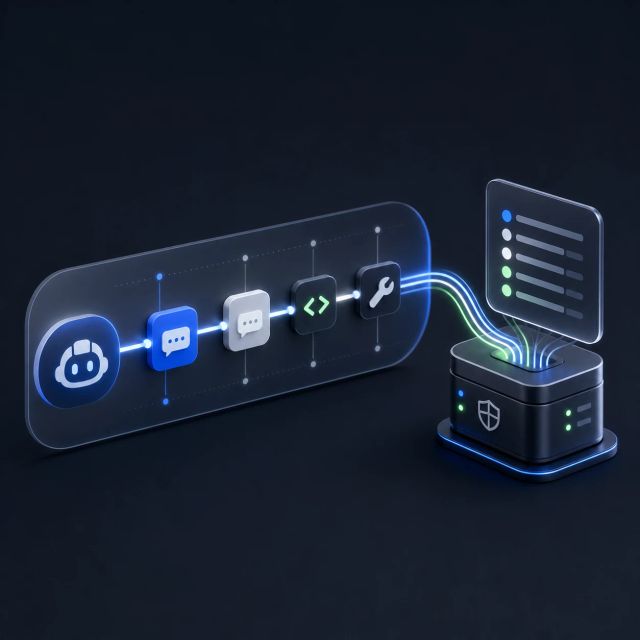
GitHub made browser tools for GitHub Copilot in Visual Studio Code generally available on July 1. The same day, it made Copilot vision generally available across Copilot plans.
Together, the two updates change what a coding agent can inspect. Browser tools let Copilot agents open pages, navigate, click, type, hover, drag, handle dialogs, read page content, capture console errors, take screenshots, and run scripted flows. Copilot vision lets users attach images and PDFs so Copilot can reason over visual context alongside code.
This is the practical bridge between code generation and product testing. A coding agent that can only read files is useful inside the repo. A coding agent that can open the app, see the page, inspect console errors, and reason over a screenshot is closer to the workflow developers actually run before shipping.
The browser is now part of the coding loop
GitHub says browser tools are now on by default in VS Code. The tool set gives an agent the same basic web-app actions a developer uses during manual testing: navigation, input, screenshots, console inspection, and scripted sequences when repeated tool calls would be inefficient.
That matters because many software failures are not visible in a static diff. A generated change can compile and still break a button, a form, a route, a modal, a keyboard flow, or an error state. Browser access gives the agent a way to test the surface it changed.
The feature also tightens the feedback loop for frontend work. Instead of asking the model to infer UI behavior from source files alone, the developer can ask it to interact with the running app and feed observations back into the chat.
Vision widens the evidence the agent can use
Copilot vision is a separate but related change. GitHub says users can attach JPEG, PNG, GIF, WebP, and PDF files in supported Copilot chat surfaces. It works in VS Code chat, github.com Copilot Chat, and Copilot CLI. In VS Code, GitHub says image attachments work in ask, plan, and agent modes.
That makes visual artifacts first-class context. A developer can bring in a screenshot, a design mock, a PDF spec, or an error image without reducing it to prose first.
The availability line is broad. GitHub says vision is available to Copilot Free, Pro, Pro+, Business, and Enterprise subscribers, and no policy change is required to turn it on. The caveat is privacy and retention. For Business and Enterprise users, GitHub says image and PDF attachments are retained for about 24 hours to provide the service.
More tool access raises the verification bar
The update lands in the same week GitHub opened Copilot agent session streaming for enterprise audit. That pairing is important. The more an agent can see and do, the more organizations need records, permissions, and operating rules around agent sessions.
Browser tools can improve testing, but they also increase the need to define which environments an agent may access. Vision can reduce the translation loss between visual evidence and code, but it also creates a path for users to attach sensitive screenshots or PDFs.