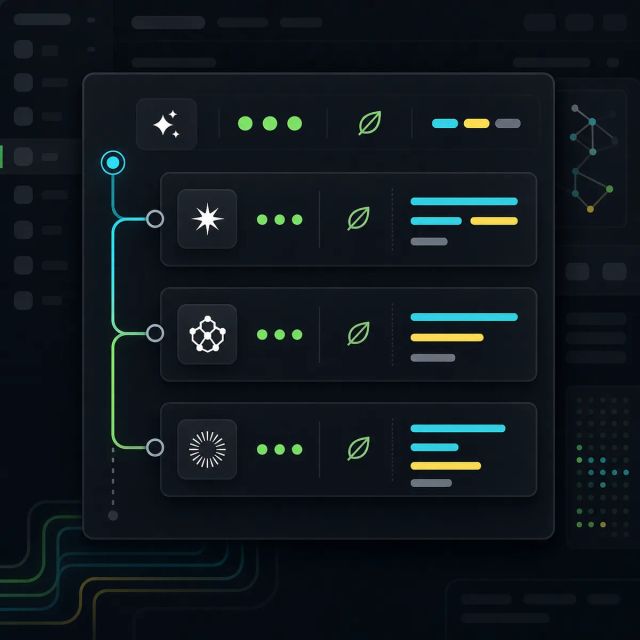
GitHub has made the Customize tab in the GitHub Copilot app generally available, giving users one place to discover MCP servers, plugins, skills, and canvases.
The company says the tab includes featured customizations, browsing by type, and faster discovery for MCP servers through trending options and categories. The stated goal is to help teams connect Copilot to the tools, knowledge, and workflows they already use.
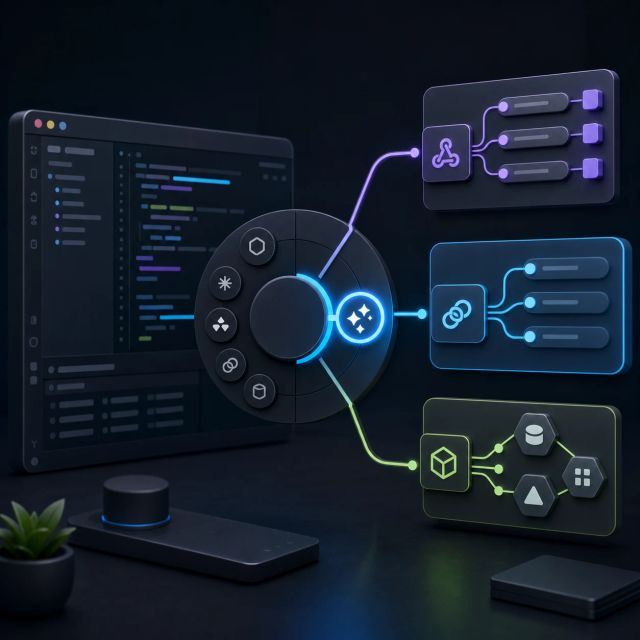
The release is small in UI terms but important in product direction. Copilot is becoming less like a fixed chat surface and more like an agent runtime whose behavior depends on installed tools, skills, canvases, and governed extension sources.
Customization is moving into the app shell
The Customize tab follows GitHub’s Agent Plugins 1.0 release earlier this month. That standard packages agent skills and MCP servers into one installable plugin, with Copilot-specific behavior kept in a namespaced directory.
That matters because agent customization has been fragmented. Teams may have MCP servers for internal systems, prompt skills for workflows, canvases for task-specific context, and client-specific extension formats. A single app surface does not solve governance by itself, but it makes the extension layer visible to users and administrators.
GitHub says the tab can highlight featured customizations from across the Copilot app and let users browse dedicated sections for each type. One example in the announcement is an Azure DevOps backlog canvas that helps triage issues, prioritize work, assign follow-ups, and hand implementation tasks to Copilot.
The practical shift is that the agent’s capabilities are no longer only a model-picker decision. They also depend on which tools and workflow objects are installed, approved, and discoverable at the moment of work.
Extension governance becomes part of agent governance
Agent Plugins 1.0 already pointed toward centralized controls. GitHub’s plugin announcement said Copilot Business and Enterprise customers can use managed settings to install or block plugins, add known marketplaces, and restrict installation to managed marketplaces across supported Copilot clients.
That is the necessary counterpart to easier discovery. If users can add MCP servers and skills with little friction, organizations need a clear policy layer for which servers can touch production systems, which plugins can run commands, and which canvases can expose sensitive context.
The Customize tab gives the user-facing side of that system a home. The enterprise question is whether the approval, inventory, and audit layers keep up with discovery.