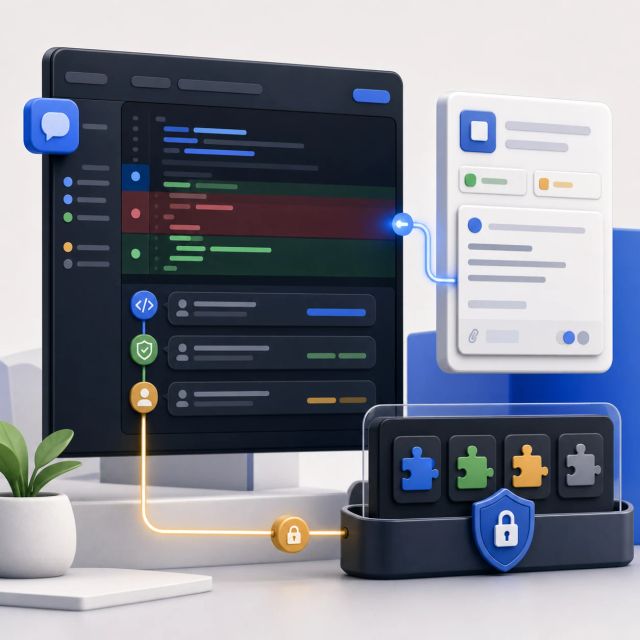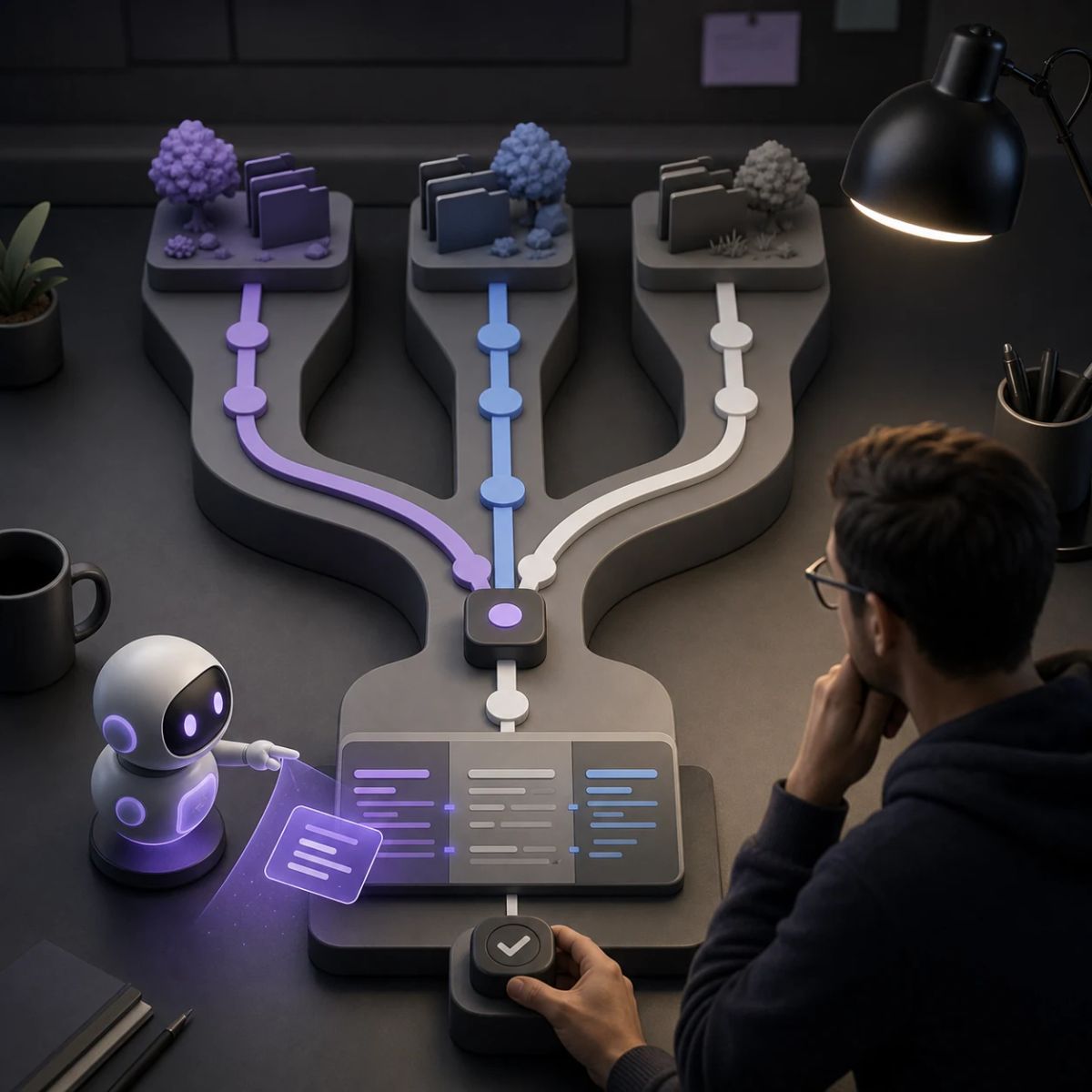
GitHub Desktop 3.6 brings worktrees and deeper Copilot integration into GitHub’s desktop client. The June 26 changelog says Desktop now supports Git worktrees, Copilot-powered commit authoring, model selection, bring-your-own-key options, and AI-assisted merge conflict resolution.
The release matters because it moves several agent-era Git workflows into a GUI that many developers already use. Worktrees have become more important as coding agents run isolated branches in parallel. Merge conflicts are still one of the moments where developers drop out of flow. Commit messages are now another place where teams want AI help without losing repository conventions.
Desktop 3.6 puts those pieces in one client.
Worktrees are now a first-class desktop workflow
Git worktrees let a developer keep multiple working directories for the same repository. That makes it possible to work across branches without repeatedly stashing changes, switching branches, or cloning the repository again.
That is useful on its own. It becomes more useful when coding agents are part of the workflow. Agents often work best in isolated branches or worktrees, where a task can run without touching the developer’s current working state. A GUI that can show and manage those worktrees reduces the gap between agent work and normal local development.
GitHub’s changelog frames this as working across branches in parallel. That is exactly the new pressure point. The local machine is no longer only one developer editing one branch. It may be a developer plus one or more agent sessions, each producing changes that need review, merge, or cleanup.
Copilot commit messages get repository context
Desktop’s commit message generation now reads custom instructions from .github/copilot-instructions.md and AGENTS.md, and honors commit metadata rules defined for the repository.
That is a small feature with a practical effect. Generic generated commit messages are easy to ignore. Repository-aware messages are more likely to match the team’s actual standards, especially in repos with strict prefixes, issue references, or body formats.
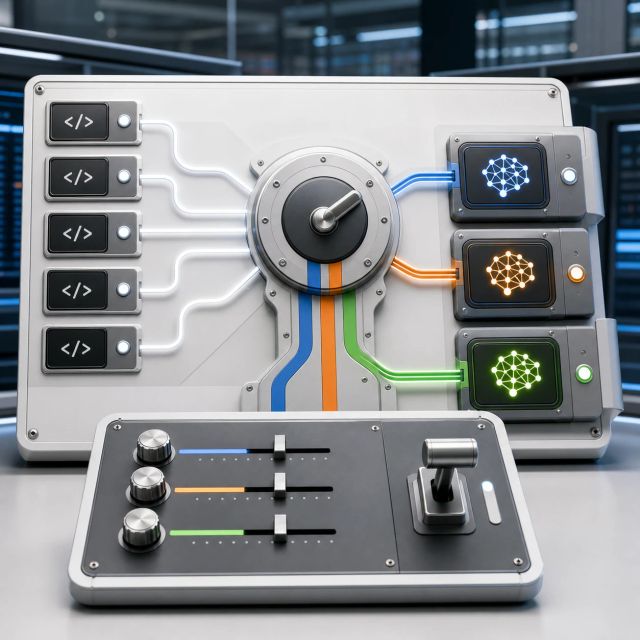
The Copilot SDK is the shared foundation behind the enhanced commit message experience and the new conflict workflow. GitHub also says every Copilot feature in Desktop now has a model picker, and BYOK can connect a third-party provider or a local model when available through the user’s setup.
That brings Desktop closer to the broader Copilot surface area across CLI and IDE tools.
Merge conflicts get an AI review layer
The most sensitive feature is merge conflict resolution. GitHub says Desktop can explain conflicting changes and suggest a resolution that the user can review, accept, or edit before completing the merge.
That review step is the difference between useful assistance and dangerous automation. Merge conflicts are semantic problems disguised as text problems. The right resolution depends on intent, tests, product behavior, and sometimes release timing. A model can make the conflict easier to understand, but the developer still owns the final decision.
The best use case is not “Copilot fixes my merge.” It is “Copilot explains the conflict and drafts a resolution I can inspect.” That can reduce the intimidation factor without hiding the risk.