Google added public-preview Computer Use support to the Gemini API on June 24. The release notes say the feature works with Gemini 3.5 Flash and includes simplified actions with intents, built-in support for browser, mobile, and desktop environments, configurable safety policies, and advanced prompt injection detection.
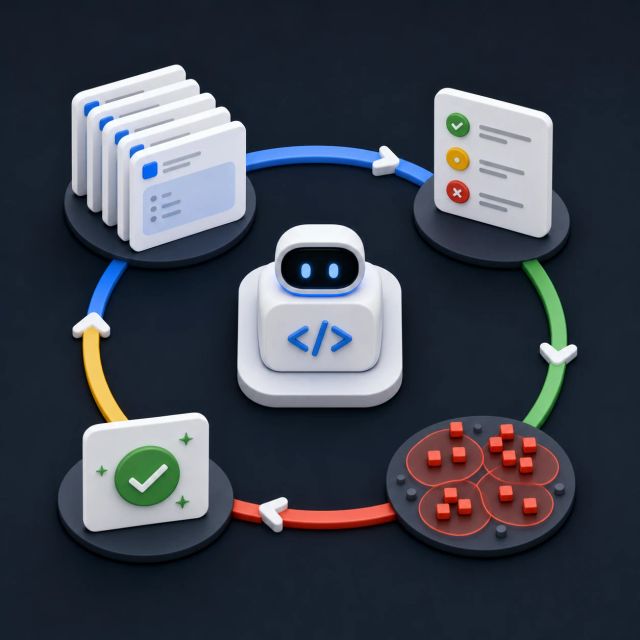
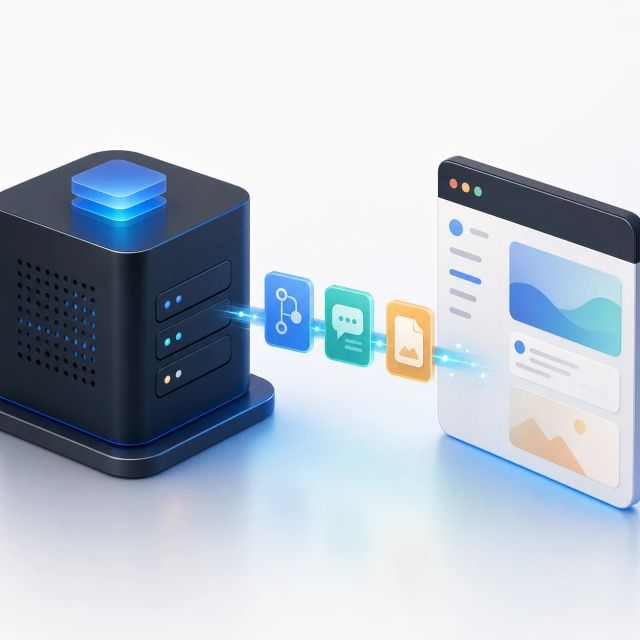
The important detail is where execution happens. The model does not magically take over a browser on its own. Google’s docs describe a loop where the application sends the model a prompt, configuration, and screenshot; the model returns a function call with an action; and the developer’s client executes that action in the target environment.
That split makes Computer Use a developer-infrastructure story as much as a model story.
The model suggests actions; the client owns execution
Computer Use turns a model response into a proposed interaction with a graphical environment. In practice, that can mean moving through a website, filling a form, clicking controls, or using an app workflow. The model reads the screen and the instruction, then suggests the next action.
Google’s docs put responsibility for execution on the client. That is the right architecture for a risky capability. A model can propose a click, but the application decides whether to carry it out, where it can navigate, what can be typed, and what gets logged.
For builders, this changes the work from “call a model” to “operate a controlled agent loop.” The loop needs screenshots, state handling, tool execution, failure recovery, and a policy layer around what the agent can do.
The safety guidance is not optional
Google’s docs list several practices that should be treated as baseline engineering, not launch-page fine print. They recommend running the agent in a secure execution environment, sanitizing user-generated prompt text, using guardrails and safety APIs, applying allowlists or blocklists, keeping detailed logs, and starting from a consistent environment.
Those recommendations map directly to the failure modes of computer-use agents. A hidden prompt injection in a webpage can try to redirect the agent. A logged-in browser can expose private data. A pop-up can cause the model to misread the task. A broad navigation scope can turn a routine workflow into an uncontrolled action path.
The new Gemini feature includes prompt injection detection, but Google is careful not to present that as a replacement for sandboxing and execution controls. That is the practical read: detection helps, but the deployment boundary matters more.
Gemini 3.5 Flash is the recommended path
The Computer Use page lists Gemini 3.5 Flash as the recommended model for the feature. The docs say it supports browser, mobile, and desktop environments, includes streamlined actions with intents, configurable safety policies, and prompt injection detection.
The “intent” detail is useful. If the model can explain the reasoning behind each step, the client and the human reviewer have more context for whether an action makes sense. That can help with debugging, auditing, and deciding when to pause for confirmation.
The model list also includes Gemini 3 Flash Preview and a legacy Gemini 2.5 Computer Use preview. That suggests Google is moving the feature from a narrow experimental model into the current Gemini line.